Google is rolling out an update to the Android Play Store with version 4.3.10. The new update follows version 4.2.9 which was discovered on July 25th, only a week and a half ago, and brought several very minor changes. Unlike the previous update, 4.3.10 is more significant in user-facing features (yay, new stuff!).
What's New?
There's a new Ron in town, and it's me. Ron's not the only one capable of doing teardowns, and we've already scheduled a duel to sort it out once and for all (whoever lives gets to continue the teardown tradition at AP). But seriously, Ron and I have been both tearing down this update, and he's graciously let me do the honors today. Even Googlers are getting impatient, so let's get to it!
You can find previous versions here:
- Download: Latest Google Play Store 4.3.10 With New 'Recently Updated' Section, Combined Update Notifications, And More [Teardown]
- Download: Latest Google Play Store 4.2.9 [Updated]
- Download: Latest Google Play Store 4.2.3
- Download: Latest Google Play Store 4.1.10 With Location Bug Fixes
- Download: Latest Google Play Store 4.1.6 - Sweet New Designs And OCD Fixes
Recently updated section
The most significant and immediately obvious addition to the new Play Store is the Recently updated section. If you have a lot of apps installed like I do (218 and counting), you probably have some trouble navigating the mile-long list, especially when hunting down that one app that just updated and is now somewhere midway down the list. Or here's another scenario: several apps just got updated, but since you've cleared your notifications, you now have no idea which ones. This new temporary sticky area is perfect:



Combined update notifications
Because the new section above will conveniently let you know what has been updated recently, it only makes sense that the new Play Store 4.3.10 combines all the update notifications into one instead of displaying a list that could potentially get out of control, especially if you haven't updated in a while. Fantastic.

Book sales now show full list prices
Now can we finally have the same for apps? Amazon does it, why can't the Play Store?

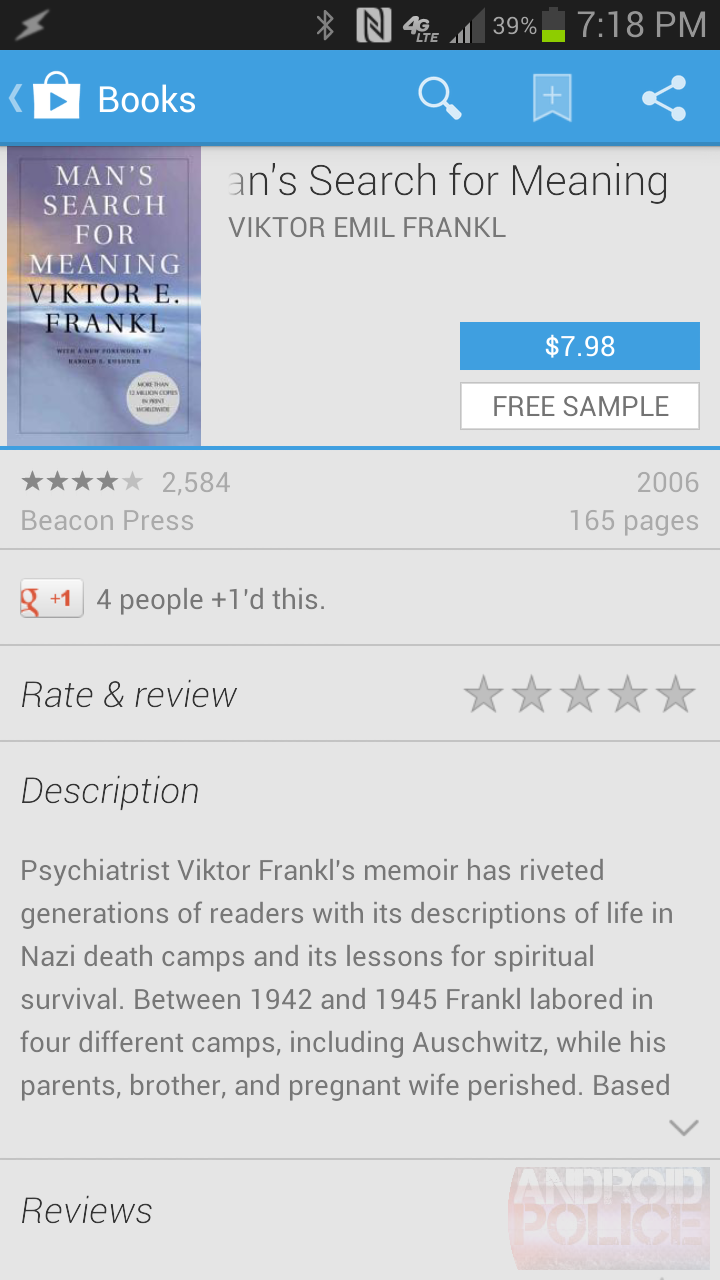
Left: 4.3.10; Right: 4.2.9
Minor tweaks
The Buy and Rent buttons have swapped positions - now the Buy button is on top and Rent is on the bottom:

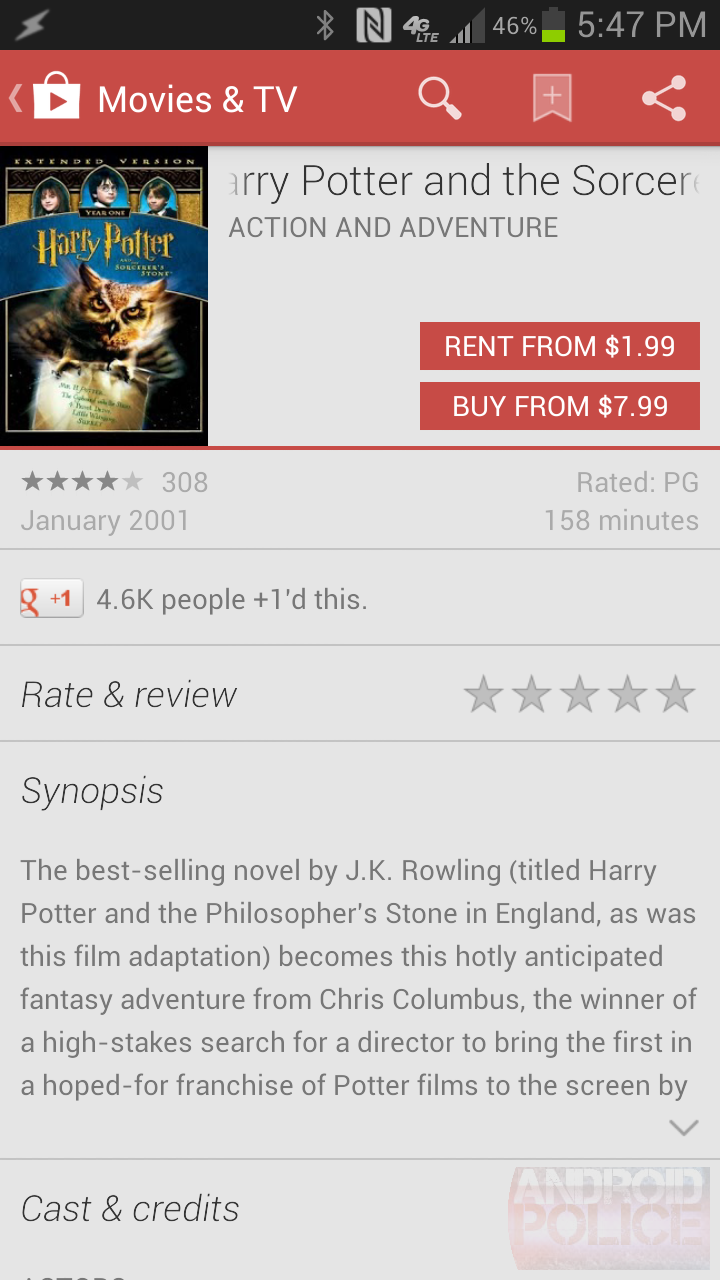
Left: 4.3.10; Right: 4.2.9
The Wallet logo is gone next to Rent/Buy buttons. Innnneresting. Is Google distancing Play from Wallet or just uncluttering the UI?
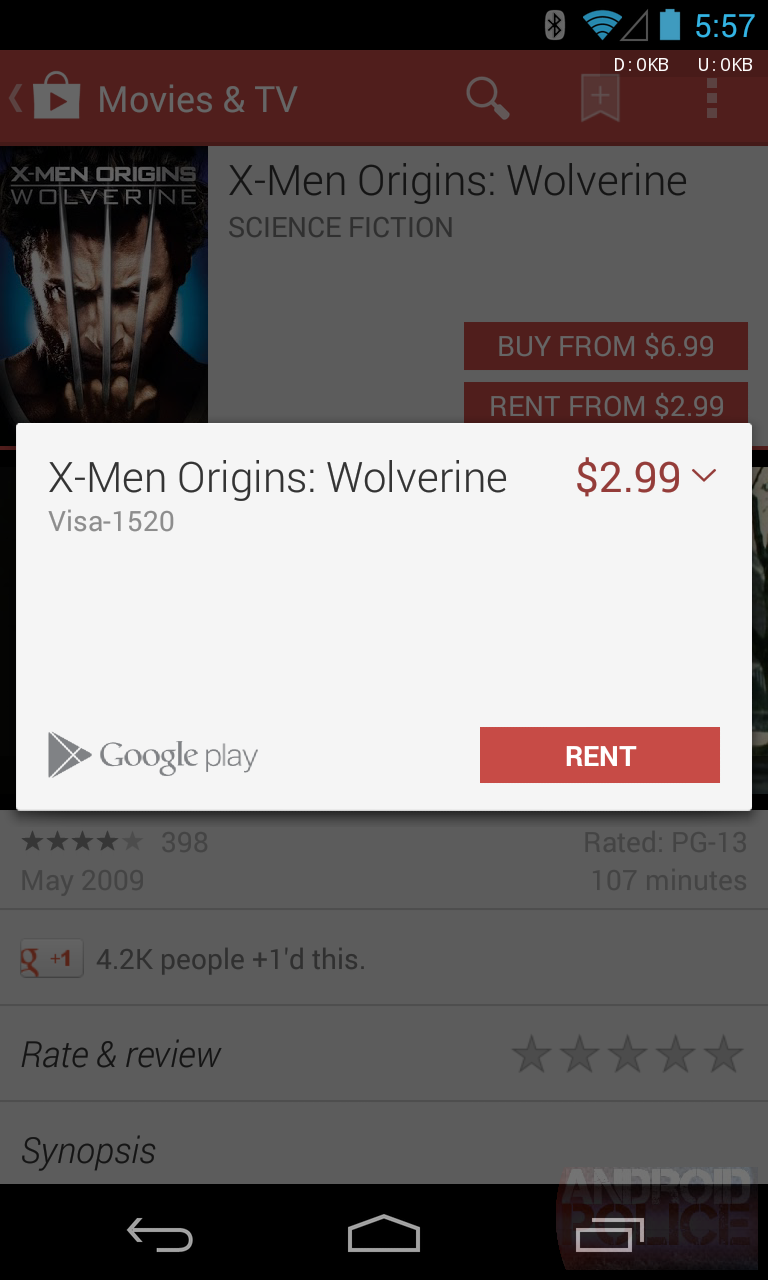
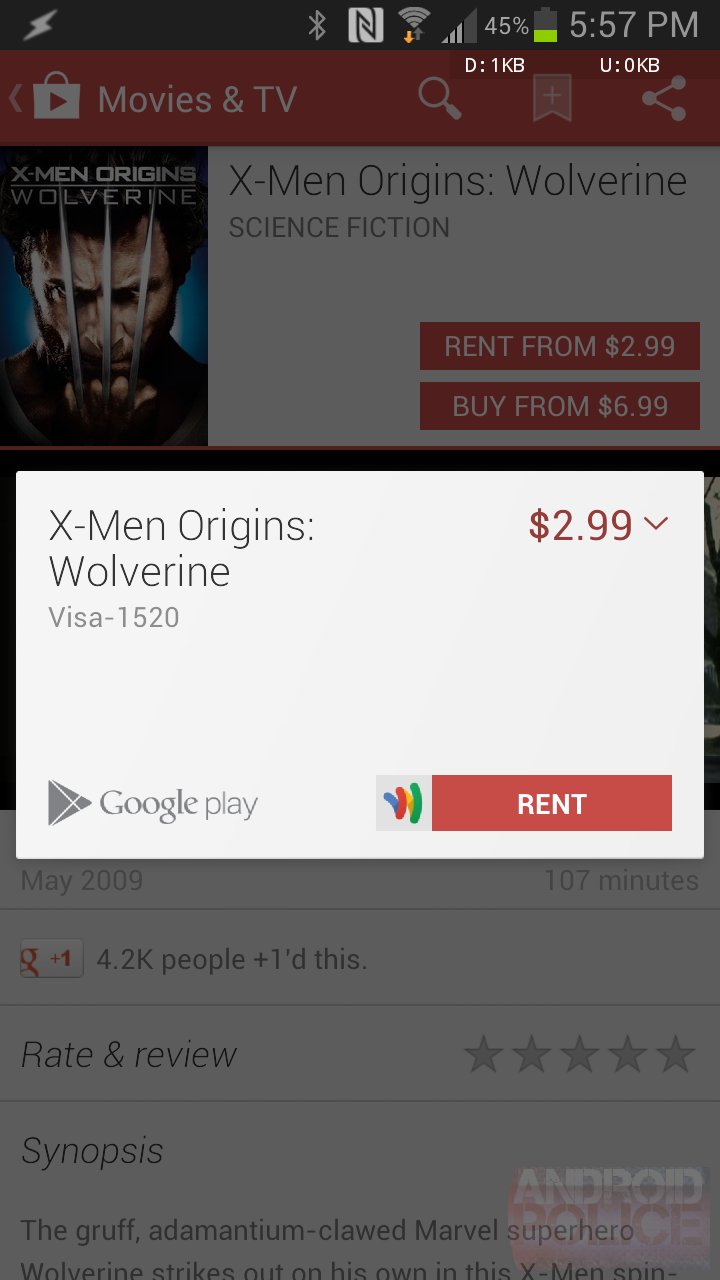
Left: 4.3.10; Right: 4.2.9
The update notification now starts with "Touch to update." Unfortunately, there is no other change in functionality - the notification isn't expandable, doesn't have action buttons, and doesn't save any taps as it still simply drops you into My Apps.
Touch to update %1$s. Touch to update %1$s and %2$s. Touch to update %1$s, %2$s and %3$s. Touch to update %1$s, %2$s, %3$s and %4$s. Touch to update %1$s, %2$s, %3$s, %4$s and %5$s. Touch to update %1$s, %2$s, %3$s, %4$s and %5$d others. %1$s needs your approval to update. %1$s and %2$s need your approval to update. %1$s, %2$s and %3$s need your approval to update. %1$s, %2$s, %3$s and %4$s need your approval to update. %1$s, %2$s, %3$s, %4$s and %5$s need your approval to update. %1$s, %2$s, %3$s, %4$s and %5$d others need your approval to update.


Left: 4.3.10; Right: 4.2.9
The Play Store may now offer to install Google Play Games if you're installing a Play Games-enabled game. I haven't been able to get this UI, internally called PlayGamesInstallView, to pop up - does anyone else have better luck?
Your game will be downloaded and installed in the background. In the meantime, enhance your experience with the Play Games app: Play games with your friends<br/> See what games theyre playing<br/> Discover new games<br/> Unlock and track achievements<br/> Compare scores with other players
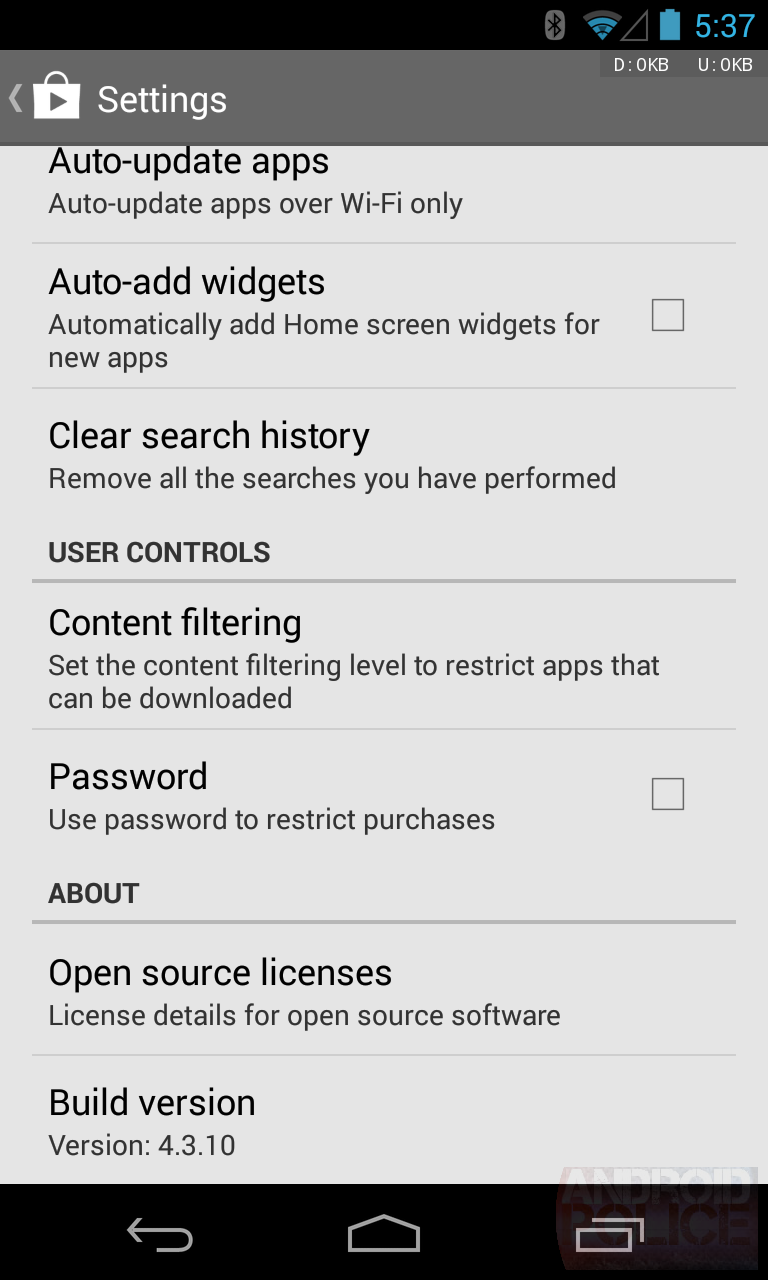
The Settings screen now lists the active account and lets you tap it to bring up the account switcher:
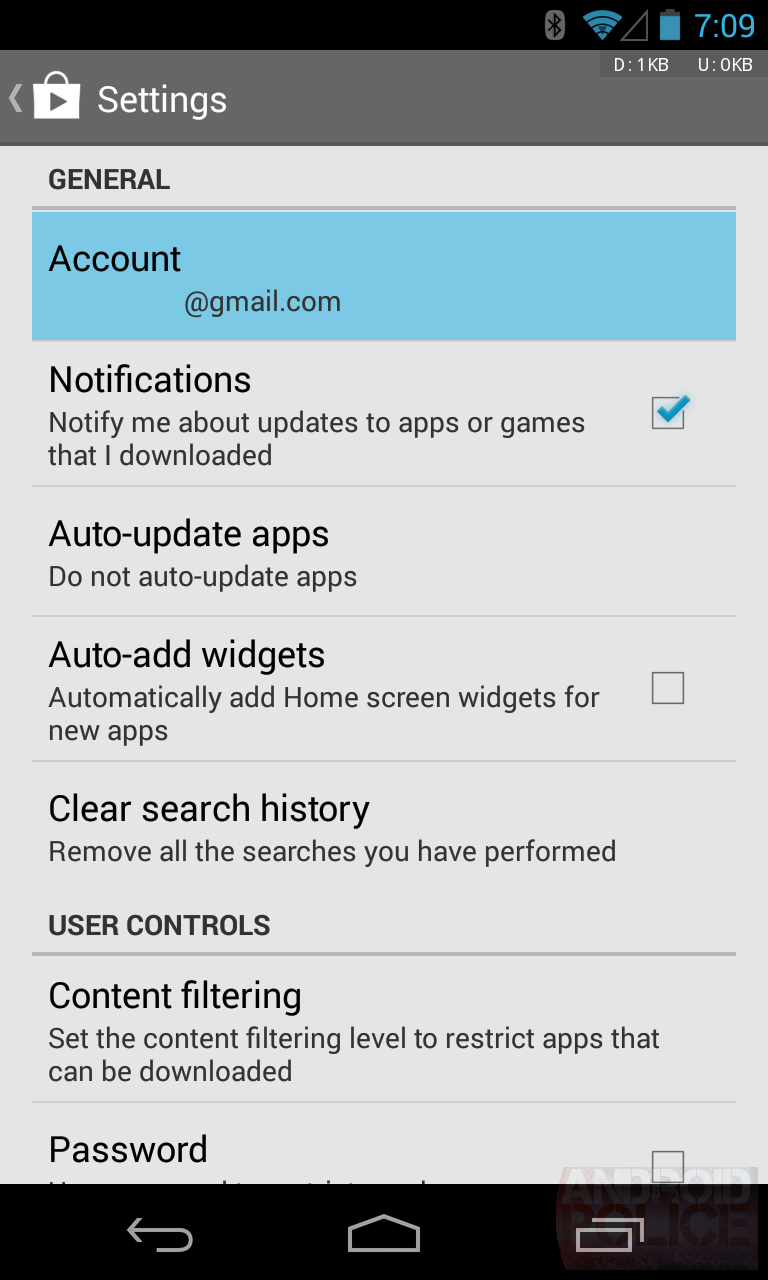
In My wishlist, the context Remove from wishlist button has moved from the top to the bottom of the menu (thanks, jazzruby!).
That's all we've been able to spot for now. If you see anything else, please get in touch below.
File Size History
- com.android.vending-3.10.14.apk 5.88 MB (6,174,123 bytes)
- com.android.vending-4.0.25.apk 5.89 MB (6,183,354 bytes)
- com.android.vending-4.0.26.apk 5.89 MB (6,181,405 bytes)
- com.android.vending-4.0.27.apk 5.89 MB (6,181,458 bytes)
- com.android.vending-4.1.6.apk 5.75 MB (6,036,474 bytes)
- com.android.vending-4.1.10.apk 5.76 MB (6,040,792 bytes)
- com.android.vending-4.2.3.apk 5.76 MB (6,046,580 bytes)
- com.android.vending-4.2.9.apk 5.84 MB (6,129,144 bytes)
- com.android.vending-4.3.10.apk 5.75 MB (6,036,657 bytes)
Download
The APK is signed by Google and upgrades your existing Play Store. The cryptographic signature guarantees that the file is safe to install and was not tampered with in any way. Rather than wait for Google to push this download to your devices, which can take weeks, download and install it just like any other APK and enjoy the new Play Store experience.
Thanks, Almighty1 and Hong Jooyoung!

No comments:
Post a Comment